Products

IBM Cloud Classic to VPC (Infra Bridge)

 Migrate IBM Cloud Classic workloads to VPC Gen2 using a secure and automated approach. Infra Bridge will review your current environment, automates migrations and move workloads smoothly to IBM Cloud VPC.

What is INFRA-BRIDGE?

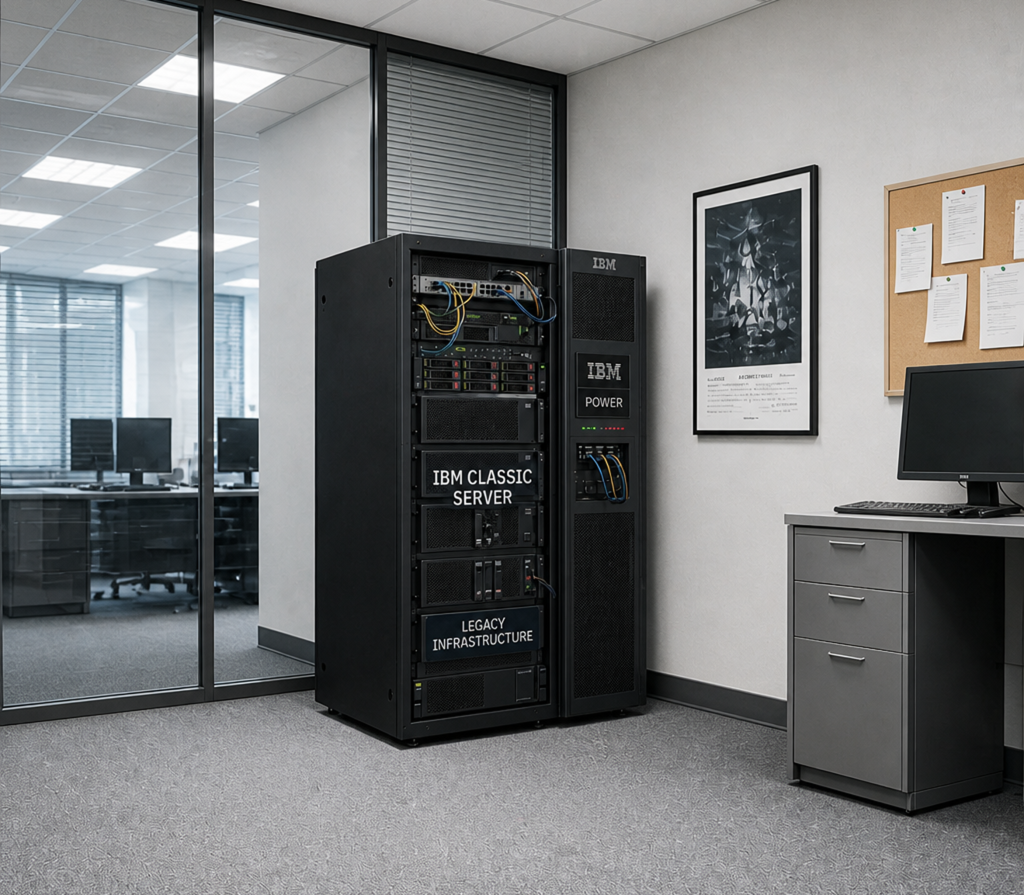
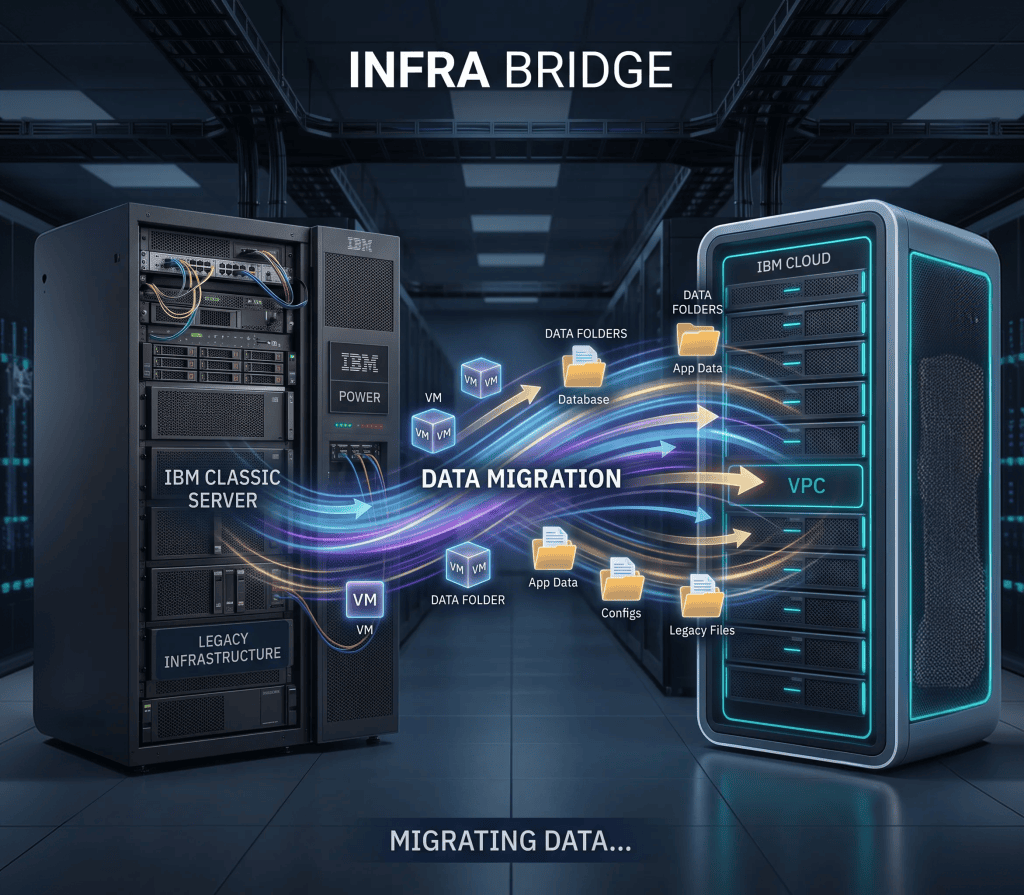
INFRA-BRIDGE is an automated migration platform that moves infrastructure from IBM Cloud Classic to IBM Cloud VPC. The goal across every component is the same: recreate the source environment in VPC as a “network-equivalent” and functionally-equivalent target, with as little manual reconfiguration as possible.

Key Capabilities of INFRA - BRIDGE

INFRA-BRIDGE automates infrastructure and workload migrations from IBM Cloud Classic to IBM Cloud VPC. It replaces manual, error-prone rebuilds with a repeatable, automated pipeline that preserves total network and functional equivalence across environments.


8-Stage Modular Pipeline: Replaces monolithic cutovers with discrete stages that independently handle networking, security groups, compute, storage, keys, and data.

14 Migration Components:Replicates VLANs/subnets, security rules, SSH keys, virtual machines, attached disks, database layers, and OpenShift/Kubernetes clusters (via Velero).

Flexible Transfer Strategies: Tailors migration paths to specific downtime tolerances, supporting one-time export/import, rsync-based direct transfers, and live continuous replication for MySQL and PostgreSQL.

Why Move from IBM Cloud Classic to VPC

Stronger Security Controls

IBM Cloud VPC offers better network isolation and security features than Classic Infrastructure. This helps organizations protect applications and data more effectively.

Easier Scaling of Resources

VPC makes it simpler to scale compute and network resources as workloads grow. Teams can adjust capacity without the limitations of legacy infrastructure.

Modern Cloud Environment

IBM Cloud VPC is designed for modern cloud operations and automation. It supports newer services and easier integration across IBM Cloud.

IBM Cloud Platform Direction

IBM is focusing new cloud services on IBM Cloud VPC, helping organizations stay updated, supported, and ready for modern cloud capabilities.

Why Enterprises are Leaving "Classic" Behind

While Classic served its purpose, modern scaling requires more. We help you overcome:


Network Congestion
: Tired of limited throughput? VPC offers up to 80Gbps per instance.

Security Gaps: Move beyond basic VLANs to sophisticated Security Groups and ACLs.

Scaling Friction: Stop Waiting for Manual Provisioning. Switch to software-defined networking that scales in seconds.

Classic VM to VPC in One Flow

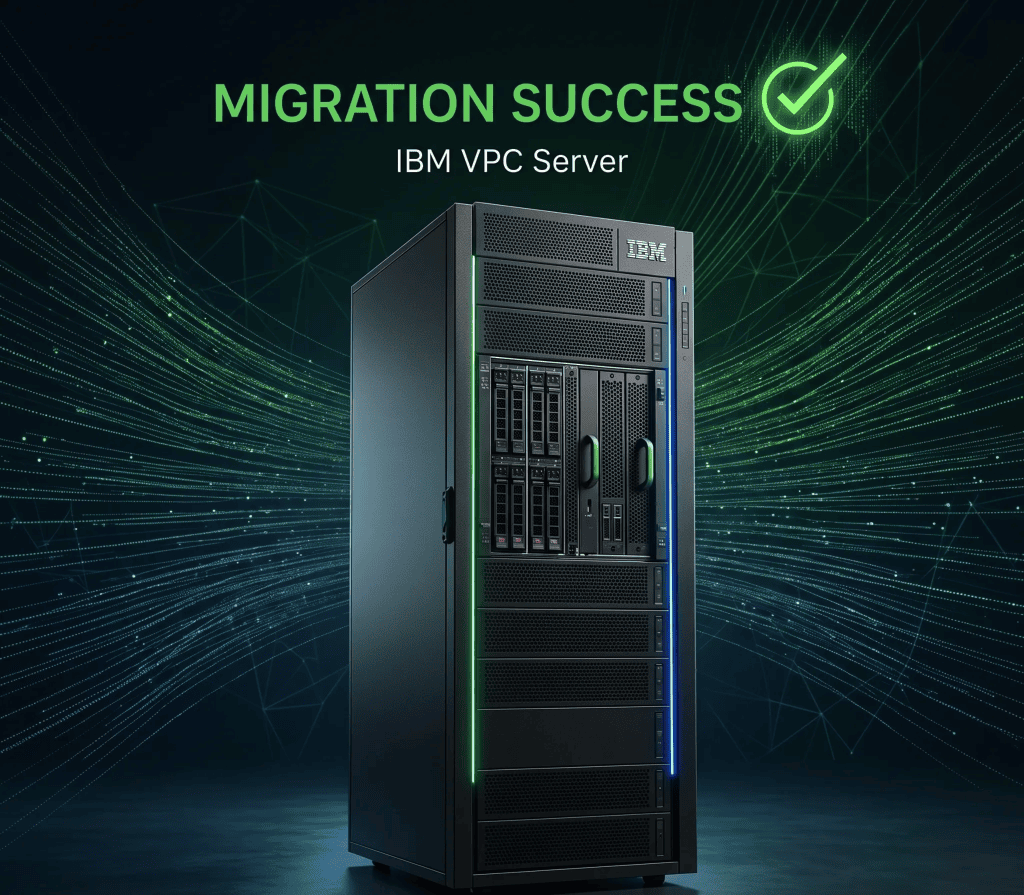
Infra Bridge automates the migration journey from IBM Cloud Classic to VPC by capturing, transferring, reconfiguring, and launching workloads with minimal manual effort.

🖥️

IBM Classic VM

Source virtual machine with operating system, networking and attached volumes.

Capture
Export
Import
⚙️

Infra Bridge

Automates networking, security mapping, storage migration and provisioning.

Launch
Configure
Validate
☁️

IBM VPC Instance

Production-ready virtual machine deployed inside IBM Cloud VPC.

Making Migration Plans a Success in Production

IBM Cloud Classic to VPC transitions are handled with precise migration of workloads, and security, allowing businesses to continue operations while upgrading cloud architecture with proven frameworks and certified cloud expertise. Our team takes care of deployment, security enforcement, and application connectivity, making sure that all components are thoroughly tested and validated before going live.


One Platform for Full Migration Lifecycle

From discovery to a live instance on VPC plus the tools to manage IBM Cloud infrastructure day to day.

VM Migration Engine

Captures a Classic VM image, exports and imports it into VPC, rebuilds the network and security groups, then launches the instance with its original private IP preserved.

Data Copy

Per-disk progress tiles with live percent, speed, and ETA. Disk aware Browse auto matches folders to the right physical disk including multipath and LVM with a Stop button and queued retry.

Asset
Inventory

Scans dozens of resource types across Classic and VPC VMs, subnets, security groups, load balancers, VPN tunnels, images, SSH keys, and more exportable to Excel.

Ops Center & Case Management

Syncs your real IBM Support cases into a Case Monitor dashboard, lets you open new cases directly from the app, and tracks SLA and severity across every linked account.

Integrated Ticketing System

Connects Classic to VPC migration workflow with a centralized ticketing system for infrastructure teams to manage migration activities.

Dashboard Analytics

Migrations over time and asset-type charts, plus a live status table of every active migration one view of what's running and what's finished.

Multi Account Management

Link and manage multiple IBM Cloud accounts, each with own API key and Slack or Teams webhook for monitoring across every environment.

Database Migration

Dump, transfer, and restore MySQL or PostgreSQL databases from a Classic VM to its VPC counterpart as a live dump or from an existing dump file already on disk.

Two Ways to Run a Migration

Migrate a single virtual machine or an entire application stack with the same automated migration workflow.

🖥️

Single VM Migration

Migrate one IBM Classic VM from discovery to launch using a guided migration workflow.

  • Complete end-to-end migration wizard
  • Automatic profile matching
  • Private IP preservation
  • Extra disk synchronization
☁️

Batch Migration

Migrate complete environments including servers, networking and storage in one coordinated operation.

  • Migrate linked infrastructure together
  • Automatic dependency mapping
  • Single migration dashboard
  • PDF & Excel migration reports

End to End, From Account to Running Instance

A structured, auditable migration process from connecting your IBM account to a live, reachable virtual machine inside IBM Cloud VPC.

1

Connect Your IBM Account

Create an account and securely connect your IBM Classic and VPC API credentials.

2

Discover Everything

Automatically inventory every VM, subnet, security group, volume and networking resource.

3

Select Assets & SSH Access

Select the virtual machines to migrate and provide secure SSH access for automation.

4

Choose a Target Profile

Select the appropriate VPC instance profile with live sizing and pricing comparison.

5

Pipeline Captures & Rebuilds

Infra Bridge captures images, recreates networking and rebuilds infrastructure automatically.

6

Launch With IP Preserved

Launch the migrated instance while preserving private networking wherever possible.

7

Data Copy for Extra Disks

Synchronize additional storage volumes with automated progress tracking and validation.

8

Monitor, Report & Sign Off

Track migration progress through dashboards and export a complete migration report.

CTA Visual

Plan your IBM Cloud Classic to VPC (Infra-Bridge) migration with experts who understand enterprise migration needs.

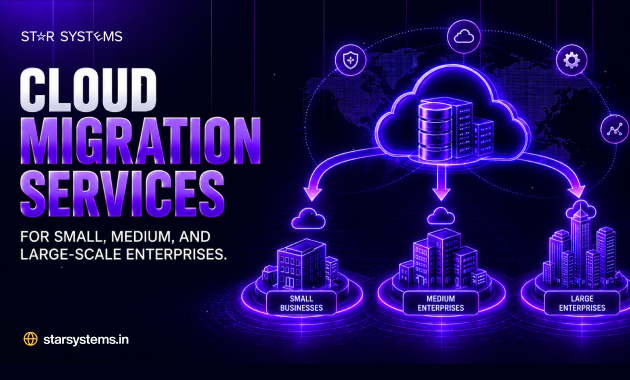
IBM Cloud Classic to VPC Migration Steps

Infrastructure Assessment

We review your existing classic setup, including networks, servers, and security rules.

Store Migration

We identify how applications communicate with databases, APIs and external systems.

Security Planning

Design VPC subnets, and access policies based on your current environment.

Migration Blueprint

We create detailed templates for compute, storage, and networking resources.

Phased Workload Migration

Workloads are moved in planned stages at once. this reduces downtime and operational risk.

Go Live Validation

We perform functional, security, and performance testing before final cutover.

Trusted Partner for IBM Cloud Classic to VPC Migration

Star Systems is a specialist in IBM Cloud Classic to VPC migration. Workloads, networking, and security are migrated with accuracy. Businesses can operate while their cloud architecture is being upgraded. Our successful migration methodologies and cloud specialists ensure secure and compliant migrations with zero disruption to businesses.

Frequently Asked Questions

1. What is AI-powered automation testing?

It’s a testing approach that uses artificial intelligence to create, run, and maintain automated tests. AI helps detect patterns, predict defects, and speed up the testing process.

AI can adapt to application changes, self-heal broken test scripts, and identify high-risk areas faster, reducing manual effort and overall testing time.

Yes. Our services integrate with popular CI/CD pipelines and tools like Selenium, Appium, and Jenkins, so you can enhance your current setup without starting from scratch.

Absolutely. AI-driven automation supports a wide range of platforms, ensuring consistent and reliable testing across web, mobile, and cloud environments.

You gain faster release cycles, fewer production bugs, lower maintenance costs, and more accurate test coverage—helping your team deliver higher-quality software on schedule.

Latest Blogs

8 Cloud Cost Optimization Strategies & Best Practices in 2026
cloud Home › Blogs › 8 Cloud Cost Optimization Strategies and Best Practices in 2026 8 Cloud Cost Optimization Strategies...
IBM Cloud Migration Services: From Legacy to Cloud
cloud Home › Blogs › IBM Cloud Migration Services: From Legacy to Cloud IBM Cloud Migration Services: From Legacy to...
DPDP Compliance Checklist for Indian Businesses (2026)
dpdp Home › Blogs › DPDP Compliance Checklist for Indian Businesses (2026) DPDP Compliance Checklist for Indian Businesses (2026) July...
top